
Subscribe to continue reading
Subscribe to get access to the rest of this post and other subscriber-only content.
A Tech World Made Simple

Subscribe to get access to the rest of this post and other subscriber-only content.

The term “squatter” often conjures images of unwanted individuals occupying an abandoned building. But did you know there’s a digital equivalent to this real-world nuisance? Buckle up, because we’re diving into the world of squatters, both physical and digital, and how they can disrupt our lives.
House Squatters: Uninvited Guests in the Brick-and-Mortar Realm
Let’s address the elephant in the room (or rather, the unwanted squatter in your house). House squatting, thankfully, doesn’t involve fitness fanatics breaking into your home to pump some iron. It refers to the unlawful occupation of a property by someone who has no legal right to be there. While some might picture dramatic scenes of forced entry, squatters often gain access through more subtle means, like exploiting security vulnerabilities or taking advantage of vacant properties during periods of owner absence.
Now, here’s where things get a little interesting (and frustrating for homeowners). The legal process of evicting squatters can be surprisingly complex. The burden of proof often falls on the rightful owner, who needs to demonstrate their ownership, and the squatter’s lack of legal claim. This means providing documentation and potentially navigating lengthy court proceedings. So, while you might be the rightful owner gazing upon an uninvited guest in your living room, the law demands a more structured approach to reclaiming your property.
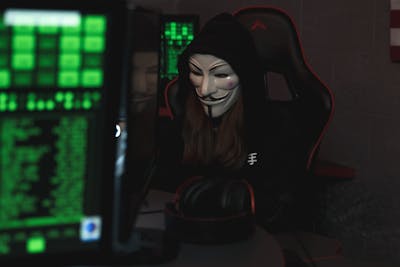
The Digital Squatters: Typosquatting and the Web of Deception
The digital world isn’t immune to squatters either. Enter typosquatting, a cunning trick employed by cybercriminals. These digital squatters register domain names that are deliberate misspellings of popular websites. Imagine searching for “paypaal.com” instead of “paypal.com.” A typosquatter might own the former domain, creating a website that looks eerily similar to the real PayPal. Unsuspecting users, after a quick typo, could land on this fake website and unwittingly enter their login credentials. This is a classic phishing scam, where the goal is to steal personal information or infect your device with malware (malicious software).
Malware itself is a broad term, encompassing a variety of malicious programs. While Trojans might be one type you’ve heard of, there are many others. Viruses can replicate themselves and spread throughout your system, while spyware gathers your data without your knowledge. Keyloggers capture your keystrokes, potentially revealing passwords and other sensitive information. The type of malware a typosquatter might unleash depends on their specific aim, but the result is always disruptive and potentially damaging.
Beyond Malware: The Broader Impact of Typosquatting
The impact of typosquatting goes beyond individual victims. Imagine a company struggling to maintain its online reputation because a typosquatted website is spreading misinformation or tarnishing its brand image. This can damage customer trust and lead to financial losses. Even worse, a typosquatted website could be used for illegal activities, further harming the legitimate website and its users.
Protecting Yourself from Squatters: Real and Digital
Whether you’re a homeowner or a web user, vigilance is key. Here are some tips to safeguard yourself from both physical and digital squatters:

The Importance of Awareness: Fighting Back Against Squatters
By understanding the tactics of both house squatters and typosquatters, we can be better equipped to protect ourselves. Sharing this information with friends and family can create a ripple effect of digital and physical security awareness. Additionally, supporting organizations that advocate for stronger anti-squatting legislation and cybersecurity measures plays a crucial role in combating these malicious practices.
Remember: Squatters, whether physical or digital, thrive on our vulnerabilities. With a little knowledge and preventative action, we can reclaim control of our homes and online experiences, keeping these unwanted guests at bay.
Love learning tech? Join our community of passionate minds! Share your knowledge, ask questions, and grow together. Like, comment, and subscribe to fuel the movement!
Don’t forget to share.
Every Second Counts. Help our website grow and reach more people in need. Donate today to make a difference!
Choose an amount
Or enter a custom amount
Your contribution is appreciated.
Your contribution is appreciated.
Your contribution is appreciated.
Consider following on social media!
Quick note: if you’re viewing this via email, come to the site for better viewing. Enjoy!

Hey, do you remember the time when you could check the email that you had gotten from a random stranger and have nothing to worry about? Like the thought of you and them becoming pen pals was a possibility.
No, of course, no one would think that way since we’re all trained, due to our parents from a young age to stay away from strangers. However, let’s say that you did, and you were curious as to how this random chance of friendship would play out.
You email each other back and forth and things are going swell, right up until you get a notification saying, “You have twenty-two hours to hand over $65,356.34 if you want any chance of getting your computer back to normal and your dirty little secrets from being exposed.” This scenario isn’t exactly how the attack plays out, but you get the idea, your pseudo-friend has dirt on you and wants you to pay up or else.

So back in 1989, hot movies were being released like Road House, Batman, and Indiana Jones and the Last Crusade, and the internet was booming. There was the raise of AOL or what’s better known as America Online, the movie The Godfather had been out for some years before then and people were drawing inspiration from the famous line that most jobs and now what seems like the current stance of every landlord, utility service provider, or insurance company are saying, “I’m going to make you an offer you can’t refuse.” Someone who may have taken inspiration from this movie was Joseph L. Popp.
A Harvard-trained evolutionary biologist who was the first person ever to create a ransomware virus. For those who don’t know, ransomware is a type of malware that acquires the victim’s information and denies access until the demands are met. These demands could be sending money, demanding the “truth” if it’s an activist act, or sending nudes. That last one was silly but I’m sure there’s some hacker out there using ransomware on Only Fans accounts for nudes.
Along with the creation of ransomware came interesting names such as “AIDS Trojan” and “PC Cyborg”. Popp made like capitalism and capitalized on the AIDS epidemic by sending out 20,000 infected diskettes labeled “AIDS Information” to people of the World Health Organization or widely known as W.H.O.

The diskettes housed malicious code able to hide file directories, lock file names, and demand victims send $189 to a PO Box in Panama to get their information back. This was the first generation of ransomware, and things have become more advanced since then.

After Joseph was deemed “The Father of Ransomware”, what category of people came to follow in his footsteps, not only to use but later improve this malware? They are called hackers and just a side note; anyone can use malware making them cyber-attackers, but I’m going to use hackers since their main objective is to exploit for profit.
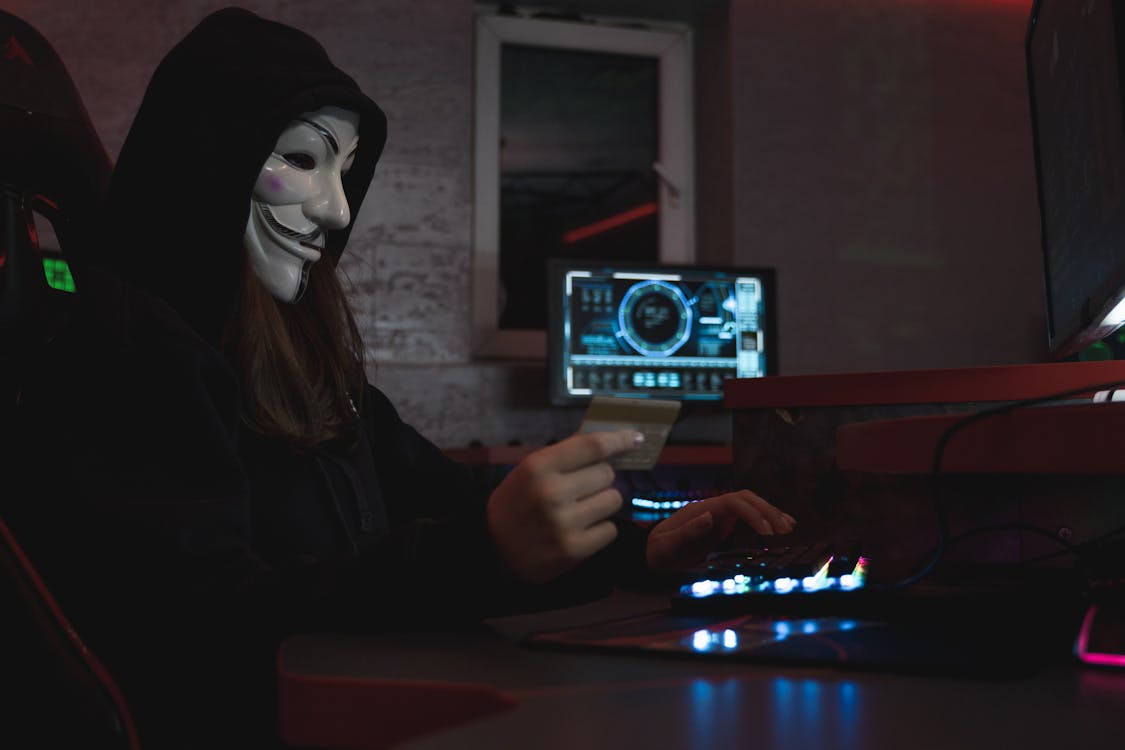
Hackers tend to use ransomware via various methods such as phishing emails with malicious files attached, and drive-by downloading – a method where a file is downloaded without your interaction. And finally spoofing – is another method where a hacker is posing as a trusted entity.
Hackers can often obtain Ransomware-as-a-Service (RaaS) or malware-for-hire which has easier use and is cost-efficient for performing ransomware attacks. This is insane because this means hackers actually have a budget created to perform cyber-attacks. There are several ransomware variants, some of which could have you buck-naked out in the cold (or heat, depending on when and where you’re at in the world).
Popular ones are Ryuk – delivered through spear-phishing emails or gaining access to a desktop remotely, this variant can encrypt certain files avoiding the crucial ones for the computer’s operation and presenting the demand for ransom.
Ryuk can account for an average of $1 million. Maze can combine file encryption and data theft, this is done with the intent that if the victim decides not to pay the ransom their information could be exposed, sold online, or both.
REvil also known as Sodinokibi is a variant that has large organizations on the menu. This variant has been responsible for a number of large data breaches, a couple being “Kaseya” and “JBS” and has been known to have demanded a ransom of $800,000.
Lockbit, operating since September 2019, this variant rapidly encrypts data to prevent detection by security appliances and SOC (System and Organization Control) teams. There are a couple of other variants but at this junction, you pretty much get the point, they get access to your information, lock you out, and hold it for ransom.
Enjoy the read so far? Why don’t you consider subscribing so you can keep up to date?

Being hit with a ransomware attack is insanely dangerous and many vital organizations such as hospitals and public services have experienced significant losses from it as not paying the ransom can halt access to critical care.
Paying the ransom can lead to a chain reaction of events, a few being loss of the money used in ransom payment, productivity time lost, and the need to hire IT for disaster and recovery. And choosing not to pay the ransom could lead to whatever consequences the hacker has set in place.
So, how do you stop your information from being held against you? Well, there are a number of ways, most of which are pretty basic and get overlooked every day since we’re all creatures of habit.
Avoid clicking on links sent via email or other messaging means, staying away from compromised websites, ones where you may get a warning from your browser which displays “This site is not secure and may be unsafe, turning back is recommended.” Heed this warning as it may save you and your computer from being hit with a drive-by download.
And the most likely out of the bunch, if you suffer from being attracted to shiny things as I do, are ads that may pop up on your screen. A malicious link could be hidden within the ad to redirect you to an un-secure site for some non-consent time for your computer.
Made it this far and found this to be entertaining? Then a big thanks to you and please show your support by cracking a like, sharing this with whomever, scripting a comment, or plug-in to follow.
Would like to give sincere thanks to current followers and subscribers, your support and actions mean a lot and has a play in the creation of each script.
Do you think there’s something I missed on ransomware and want to add? Script a comment below.
