Consider following on social media!
Quick note: if you’re viewing this via email, come to the site for better viewing. Enjoy!

A Matrix without Vectors
It’s been many moons since the movie The Matrix was released so I’m going to assume everyone has seen it. If you haven’t then shame on you and go fix that immediately because it’s a great movie.
For those of you who have, this question goes to you. Have you ever looked at any of their monitors when they were coding and wondered to yourself “what kind of language is that?”. While most people have no clue because they do not possess any computing experience, if you are a developer, you may have had a small chuckle because you 1) know The Matrix does not use an actual computer language and 2) that’s not how development with code works.
Ask any developer and they will tell you, most of your time when beginning is spent staring into the void of a black screen before any movement of the cursor. Even with code already existing, most of the time is spent staring at the screen.
They will also tell you, with many lines of code come many errors which if they can’t debug come hours if not days of frustration. Running to sources like Google, Stack Overflow, and GitHub to aid you in debugging only to find the root cause was a typo.
Real developer problems when you capitalize or add space to the wrong letter in your code. All that nonsense aside, let’s talk programming.
Quick thought: I was looking to research the computer language they used for The Matrix and found it they were sushi recipes. So, the link is below, and enjoy.
Link: The iconic green code in The Matrix is just sushi recipes | The Independent | The Independent

The Three Types
There are three main languages used which are machine (language consisting of binary or hexadecimal commands for a computer to respond to directly, easier for the computer to read but difficult for humans), assembly ( a type of low-level language intended to communicate directly with computer’s hardware, it’s not entirely like machine language but is designed to be more readable by humans), and finally high-level (is a more readable and user-friendly language that is away from the computer’s hardware).
I will not be going over those in greater detail now because that could be a post for another time. Leave a comment in the comments section if that’s something you would like me to cover in the days to come.
Also, we are not going to be going over all the possible languages as that would take all eternity and we don’t have that much time. So, we’re going to talk about Python. Why? Because it’s a high-level language, it’s what I started with, currently use, and has the easiest learning curve compared to other languages.
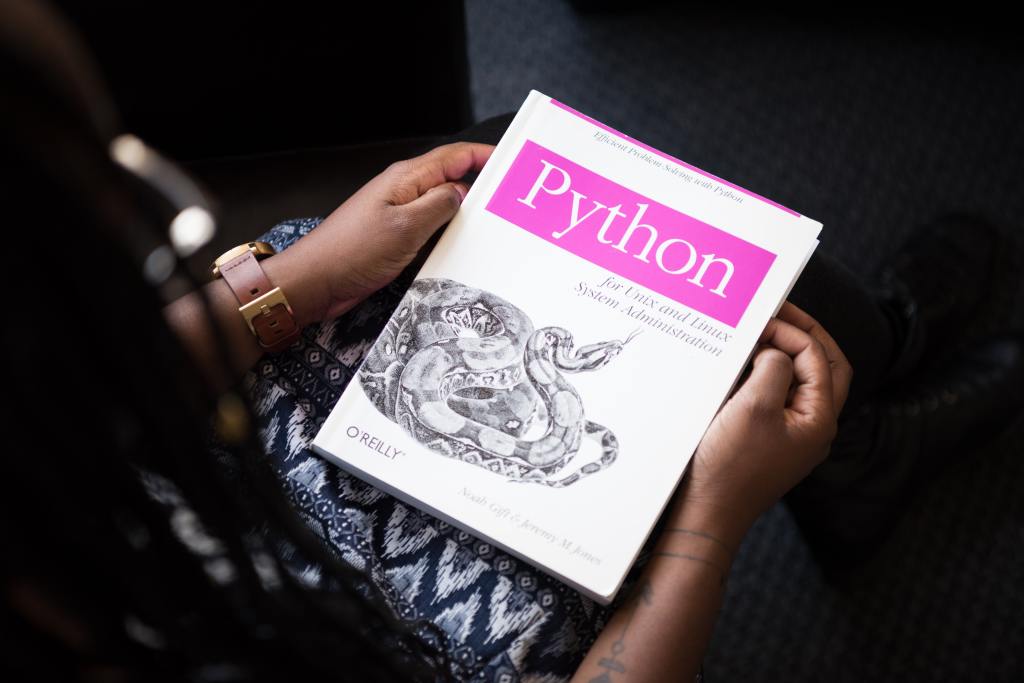
No, Not the Snake
As I previously mentioned, python is a high-level programming language which means it’s easier to read compared to mid and low-level. Python is also frequented for object-oriented programming and general purposes. Everyone from novice to experienced uses python whether it’s to do a simple algebraic expression or to create a crawler for web scraping. Side note: Web scraping (a process of using bots to collect content and data from a website) has a grey area when defining what is legal to scrape and what is not. Python also has a play in data science next to R as with most languages your choice boils down to the task at hand.
To give you an idea of how simple python is:
1) go into your search bar wherever your toolbar is on your monitor
2) type “cmd” in the command prompt and select it
3) type python and hit enter
4) you should see the following symbol “>>>”
5) next to “>>>”, type x = “hello world” and hit enter
6) finally type “print(x)”
Congratulations, if you didn’t know how to program before then you do now and you have proof you can do it. Also, you may have just had your first experience with a variable (which is a container for the data) and data type (currently using a string but there are other types). A little warning, if you are doing this on windows and it’s in S-mode then this will not work since you do not have admin permission to access the command prompt.
Now if you were to try the same thing in a language like Java, it wouldn’t be that simple which is why python edges out a lot of languages. Printing a line out in Java would look like “System.out.println(“Hello World”)” which doesn’t look like much of a problem at first. You would need some other things to added before reaching this line to print out your result.
As you can already see with that little bit of instruction, you gained an understanding of what to do when you saw the word “print” in Java’s line of code. You could look at the printout statement for Java and map what its purpose was without having to read the entire sentence.
Hold on there, before you run out and start applying for junior python developer jobs, anyone with XP (experience) will tell you, it takes a ton more than being able to have the computer spit out “Hello World”.
Enjoy the read so far? Why don’t you consider subscribing so you can keep up to date?

Whatever It Takes
Okay so you have made it this far and you may be feeling a little in the groove for learning to program. Programming is going to be an uphill battle. I remember my time trying to write functions only for the computer to return an error statement that had me balling my fist in frustration at the monitor because I couldn’t figure out what it meant. Remember when I mentioned sources from earlier? This is where they come to your aid.
Discussion boards will help a lot because being able to see how other people solved problems and how you could incorporate what they did into what you are doing. Spending time on sites like HackerRank had me gutted at some points because I couldn’t figure out what to do or what was asked of me but going to discussion boards and searching on Google and Stack Overflow kept me together because the key is not to know everything but understand what the code does.
Studying code and trying to commit it to memory is going to be an unnecessary headache. Python library is full of modules, and it would be insane to try and memorize each one and what it does. I’m sure there’s a special someone out there who has done it but for most people, especially people starting, trying to memorize is a dream killer.
Made it this far and found this to be entertaining? Then a big thanks to you and please show your support by cracking a like, sharing this with whomever, scripting a comment, or plug-in to follow.
Think you have what it takes to become a programmer?
Script a comment about what programming language you’re learning or looking to learn.